How to Build an AI Agent: 7 Steps Explained
 By Hitesh SUpdated on: 01/01/7010 min read
TL;DR: Knowing how to build an AI agent involves one workflow and one quantifiable goal, never the model. Connect the necessary tools and data, include approvals for dangerous actions, test the agent on real examples, and launch it in production among a select few. The demo will be easy. Production will require some discipline.
An AI agent is a program that uses a model, instructions, tools, and context to achieve a goal and make actions that you allow. It perceives, thinks, and acts.
Build an AI agent by selecting one business use case, setting its goal, connecting its tools and knowledge, adding guardrails, testing its performance, and launching the solution gradually.
Here is the first warning. Some processes do not require an agent at all. If your process is always executed in the same way, automation will be cheaper and more effective.
Most guides on how to build an AI agent skip the boring parts. This one keeps them. It covers the full AI agent development process in seven steps, from choosing a use case to running it in production.
Build it Later: Identify the Use Case and Agent Design
Step 1: Determine agent goal and business outcome
Any agent requires its own agent goal, which should relate to one specific workflow. Possible good initial ideas could be:
- Lead qualification before showing up in the sales department.
- Provide answers for internal HR or policies.
- Routing support tickets to appropriate departments.
Define five things: who will use it, input, output, what it should never do, and how to determine success. Boundaries should be defined in the form of regular sentences like "never provide delivery dates." These boundaries become instructions for your agent afterwards. It is impossible to create an AI agent without defining success criteria.

This is where teams get tripped up. An agent that “handled 2,000 conversations” may have incorrectly classified and routed half of those. See if the agent was able to do the job properly. In developing your AI agent for business purposes, performance is better than volume any day. To build an AI agent that sales trusts, involve the sales lead in writing these criteria.
The first step in learning how to develop an AI agent effectively is writing this one-page brief.
Step 2: Map the workflow and choose the right architecture
Draw the workflow on one page. Mark the trigger, each decision point, the systems involved, the exceptions, and where a human steps in.
Now check whether you need an agent at all:
|
Option |
What it does |
Use it when |
|
Chatbot |
Answers questions in conversation. |
Users need information, with zero system changes. |
|
Rule based automation |
Follows fixed steps. |
The path is the same every time. |
|
AI agent |
Reasons, uses tools, and acts. |
Inputs vary, and judgment is required. |
Our guide to AI chatbot development explains where chatbots end and agents begin.
If an agent fits, pick the simplest design that works: one agent, an agent inside a fixed workflow, or several agents working together. Most teams that create an AI agent for the first time should start with one agent inside a fixed workflow. A useful rule from teams that know how to build an AI agent well: add a second agent only when one agent’s instructions grow too long to test.
Every agent has the same core parts: a model, instructions, tools, knowledge, state or memory, and orchestration that ties them together.
Before proceeding further, evaluate the presence of sufficient variability to justify the need for agent reasoning, the possibility of acquiring data by the agent, and the ability to measure its successes and failures.
Three yeses mean the AI agent development process can begin. If any answer is no, fix that gap before you build AI agent for business use.
Step 3: Model selection and setting up tools and integrations
Model selection is done on five criteria: reasoning requirements, latency of responses, cost, privacy laws, and how well the model invokes the tools. The model is the most flexible component in terms of how to build an AI agent and can be changed easily, so no need to think too much about this point.
Next, you need to set up tools and integrations, but only those that are required by the agent. It can be your CRM, ticketing system, ERP system, some database, or internal API. For each integration, you should set up inputs, outputs, permissions, error handling, and retry rules.
First, start with read access. Allow the agent to query an order before allowing it to modify it.
Prefer a visual builder? Our guide on How to Build AI Agents in n8n shows a workflow based approach to how to build an AI agent without heavy code.
Step 4: Connect trusted knowledge sources
An agent is only as good as what it can look up. List your authoritative knowledge sources: policy documents, product databases, FAQs, and business records. Skip the outdated wiki page nobody trusts. Teams that create an AI agent on stale documents get confident wrong answers. Clean sources matter more than clever prompts in how to build an AI agent for real users.

The retrieval augmented generation (RAG) method is useful when the answers lie within changing documents, when citations are needed, and when access to information depends on the user.
Respect permissions here. A sales rep and an HR manager asking the same question should see different documents. Our RAG pipeline guide covers the build in depth.
Step 5: Implement guardrails and human approval
The guardrails specify what the agent can do, what data it can access, which formats of outputs it should produce, and what sensitive information it should not disclose. Guardrails must be written as tests and not as prompt text alone because it will enable you to prove that they work. In the “how to build an AI agent” project, this step determines whether legal clears it or not.
Plan for attacks too. A customer email might contain hidden instructions telling the agent to forward data. BCG's research on AI agent vulnerabilities explains how prompt injection can manipulate agents through untrusted content and redirect their actions.
Set approval thresholds for risky actions, such as refunds above a set amount. Define when the agent escalates, keep audit logs of every action, and give it a safe fallback: “I’ll pass this to a colleague.” Anyone serious about how to build an AI agent treats this step as mandatory. See our AI agent security checklist and AI governance framework for details.
Step 6: Evaluate the agent before release
The problem lies in evaluation. Create a test set that simulates reality, including routine tasks, ambiguous tasks, edge cases, and efforts to deceive the agent. Try to include several hundred test cases taken from the actual tickets or emails, stripped of personal information. Evaluation is the longest stage of the AI agent development process, and it deserves to be.
When you evaluate your AI agent, track metrics that actually matter. Measure the task completion percentage to make sure that it completes the task, factual accuracy to see if it gets the facts right, and tool-call accuracy to see if it uses the proper tools and supplies the correct input. Keep track of policy compliance to ensure the agent stays within the rules, latency to check its response time, and cost per completed task to see if it saves money compared to the existing process.
Compare everything against your current procedure. Then try to break stuff on purpose: kill one of the tools, delete a field, introduce a timeout, duplicate a request. Make sure that the agent escalates smoothly.
That habit is the core of how to build an AI agent that stays reliable. A passing score earns permission to pilot, never permission to scale. Our LLM evaluation guide explains test design. This is the step that separates teams that create an AI agent from teams that ship one.
Step 7: Run a pilot, roll out gradually, and monitor
Start the pilot small: one use case, a handful of users, restricted permissions. Run the agent in shadow mode first, where it suggests actions and humans decide. Turn on real actions only after the suggestions prove reliable.

Example: a support triage agent might run in shadow mode for two weeks, suggesting routes while staff route manually. Once its picks match human choices on most tickets, it starts routing low risk categories itself. Expand permissions one category at a time.
Set launch gates before the rollout: acceptable quality, stable integrations, approved security controls, and a tested rollback plan.
After launch, monitoring never stops. Track task outcomes, failed runs, tool errors, latency, token usage, cost, and user feedback. Name who reviews incidents, who updates prompts and tools, and who approves changes.
Our guides on AI agent observability and AI agent development cost help with tracing and budgeting. Monitoring is the final, ongoing part of how to build an AI agent for production. Every step of the AI agent development process feeds this dashboard, and teams that build AI agent for business operations treat the first month after launch as part of the build.
Develop AI Agents Around Your Business Needs
Patoliya starts with your workflow, business goals, required data, and existing systems before selecting a model. This practical approach to how to build an AI agent helps teams build AI agent for business outcomes without unnecessary complexity.
The AI agent development process covers system integration, permissions, evaluation, and maintainability, helping you create an AI agent your team can manage.
From documented requirements to testing, monitoring, and rollout, Patoliya builds agents for production. Explore AI agent development services or artificial intelligence consulting services to assess your use case. Have a workflow in mind? Let’s discuss what your agent should do.
Conclusion
The seven steps of how to build an AI agent include defining the goal, mapping the workflow, connecting tools, preparing knowledge, adding guardrails, evaluating performance, and piloting before rollout. Focus on clear goals and thorough testing to avoid common failures.
When you build AI agent for business use, establish measurable baselines, approve knowledge sources, enforce access controls, and define escalation rules. Ensure evaluation results are repeatable, costs are acceptable, and monitoring, ownership, and rollback procedures are ready.
A reliable AI agent development process addresses these requirements before launch. Whenever you create an AI agent, start small, test honestly, and expand gradually as it earns trust.
FAQs:
Start with one workflow and a measurable goal. Map the steps, connect only the tools and data the agent needs, add guardrails and approvals, then test against real cases. Learning how to build an AI agent properly means piloting with a small group before full rollout.
Part of how to build an AI agent is setting expectations. A simple document Q&A pilot can take a few weeks. Agents that update records across several systems take longer because of integration and security work. Data readiness decides the timeline more than the model.
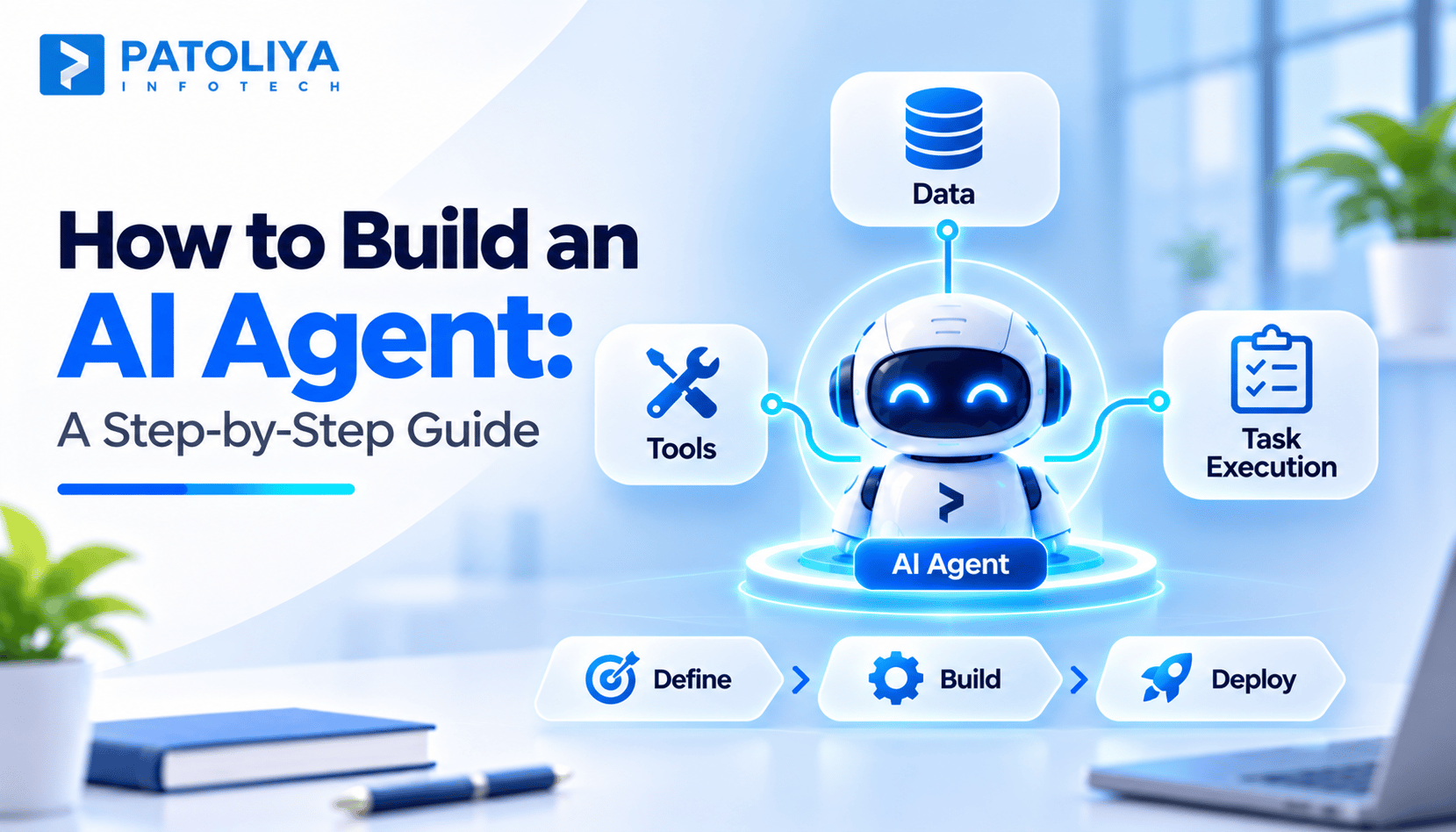
The AI agent development process runs in seven steps: define the goal, map the workflow, connect tools, add knowledge sources, set guardrails, evaluate, and pilot before rollout. Each step has a clear output, so you can stop early if the use case proves weak.
Use automation when a process follows the same steps. Use an agent when inputs vary and the work needs judgment. Knowing when automation wins is part of how to build an AI agent. Many designs combine both: fixed automation with an agent handling the uncertain step.
A core rule in how to build an AI agent safely: give it read only access first, and require approval for risky actions. Log every action and test against prompt injection. Before you create an AI agent with write access, prove it reads correctly.
Costs cover model usage, integrations, knowledge preparation, evaluation, security, and ongoing monitoring. Teams that build AI agent for business workflows should budget for running costs after launch, since model calls never stop. Any plan for how to build an AI agent should include a monthly running cost estimate.