AI Copilot Development: Cost, Risk and ROI for SaaS
 By Hitesh SUpdated on: 10/07/2613 min read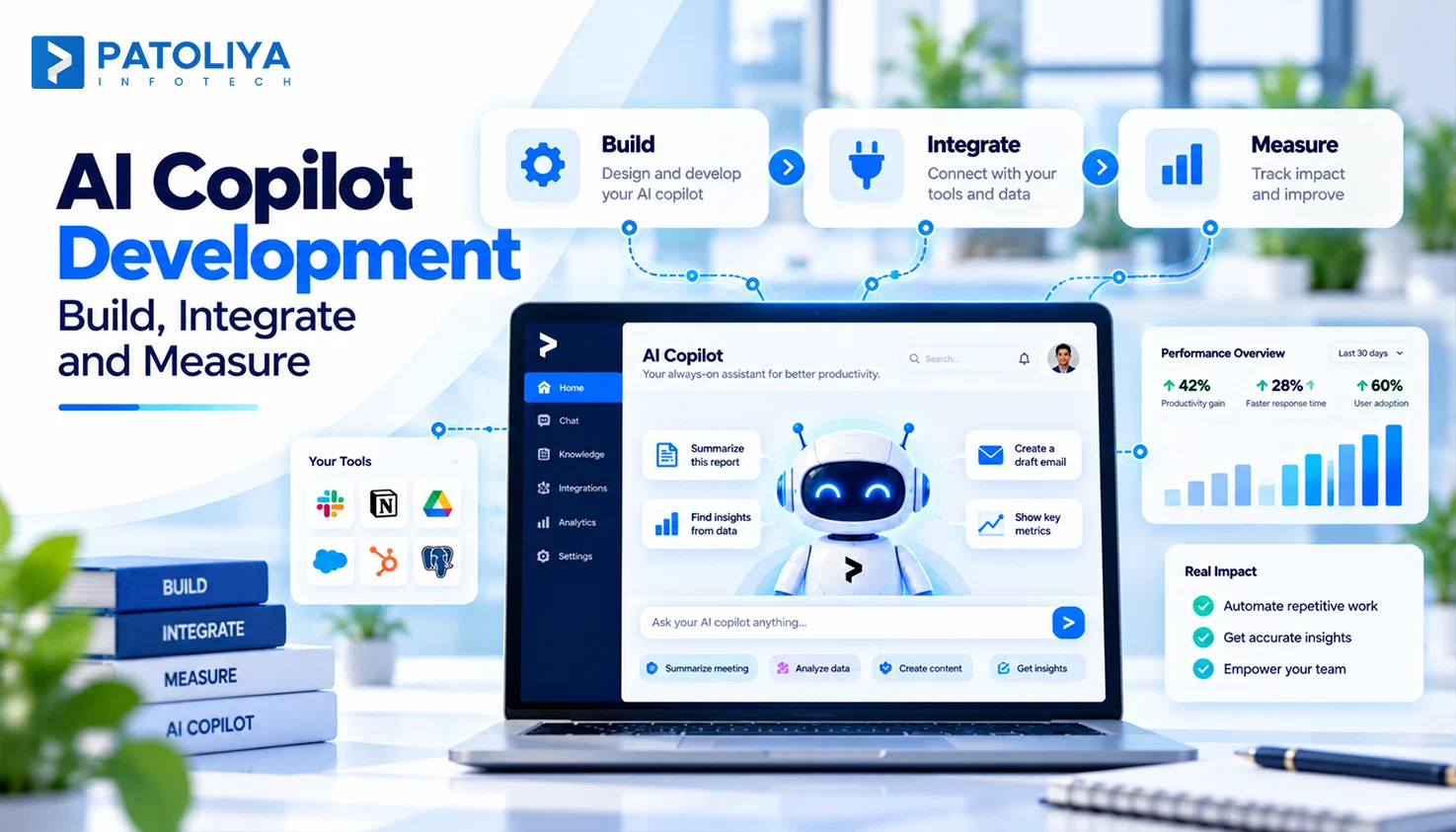
TLDR: AI copilot development works when you design the workflow, context, permissions, and action layer before you pick a model. Your copilot inherits user rights, reads only relevant data, and proposes actions your app approves. Anyone learning how to build an AI copilot should start with one workflow and track cost per successful task.
Most SaaS copilots fail long before the model gives a bad answer. They fail the day a chat box lands in the product with no clear job, no permissions model, and no budget per task. Successful AI copilot development treats the copilot as part of your product's operating layer, with access to user context, business data, and application actions. That shift decides what the copilot reads, what it changes, and what each request costs. Teams that get it right ship one useful workflow first and grow from there. This guide will break down how to build an AI copilot across architecture, UX, context, actions, security, cost, and rollout.
What Should Your Copilot Actually Do?
Give your copilot one defined role per workflow before anyone writes code. An Inform copilot handles low-risk tasks such as summarizing an account.
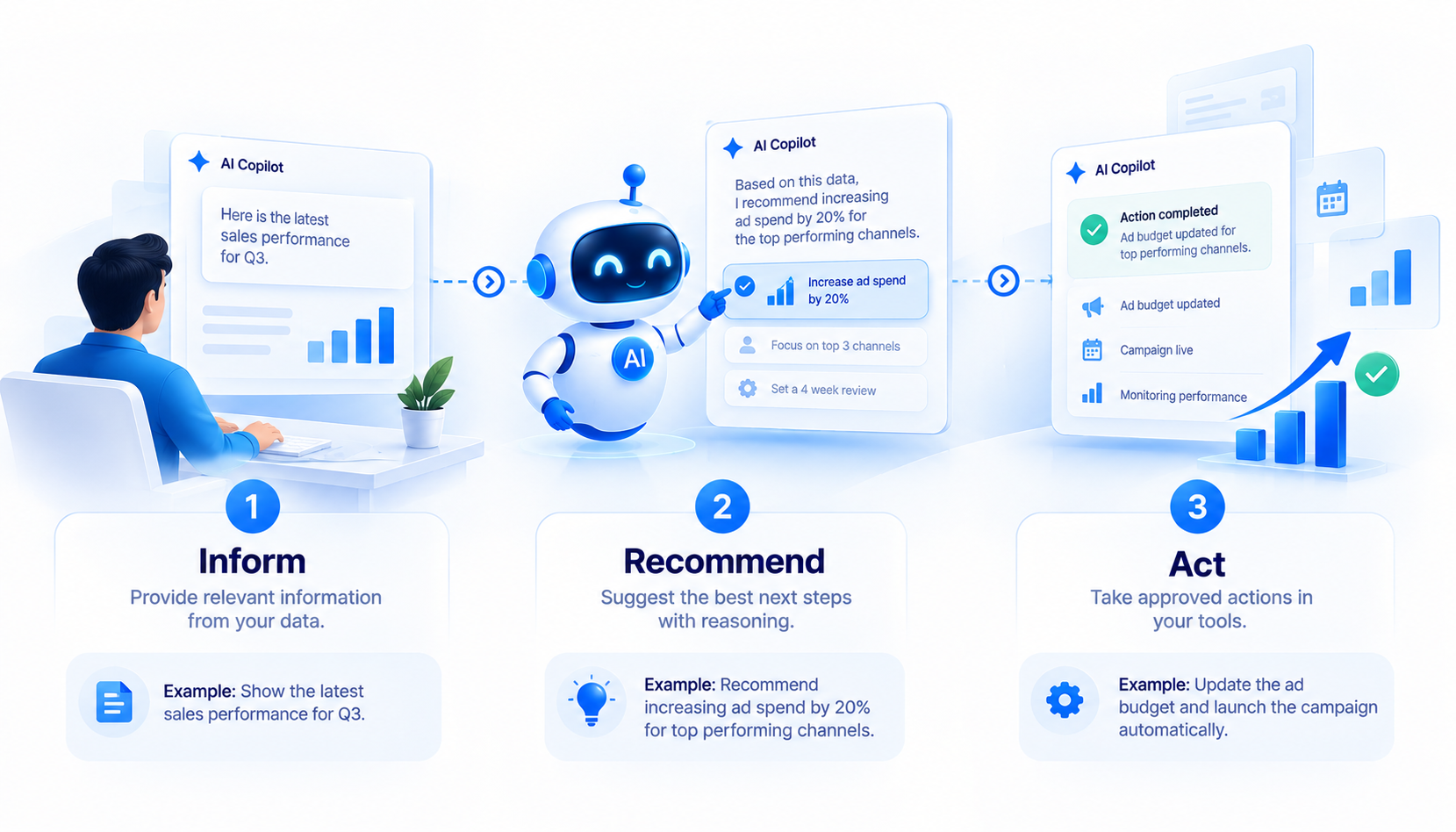
A Recommended copilot provides medium-risk guidance, such as identifying which leads need attention. An Act copilot performs actions on the user’s behalf, such as creating follow-up tasks for selected leads, making it the highest-risk role and requiring stronger controls.
Score each candidate from 1 to 5 on frequency, manual effort, data availability, decision complexity, actionability, and risk. The top score earns the first sprint of AI copilot development.
|
Control level |
What the copilot does |
Example |
|
Suggest |
Flags an idea |
"Four leads look cold" |
|
Prepare |
Drafts work for approval |
Drafts follow-up emails |
|
Execute |
Acts alone |
Sends the emails |
Start every write action at prepare. Moving toward full execution needs an agentic AI architecture with verification at each step. Settle this boundary early in AI copilot development, because it is the decision that most shapes how to build an AI copilot safely. With the job defined, the architecture has a target.
AI Copilot Architecture: From User Prompt to Product Action
The experience layer connects user intent to AI assistance, turning prompts into contextual guidance, recommendations, and product actions.
Experience Layer
Users judge the whole system by this layer. It turns your model into an in app AI assistant through a sidebar, inline help, a command palette, contextual buttons, or a streaming panel. Launch with one surface per workflow.
Copilot Orchestration Layer
This layer detects intent, assembles context, and runs LLM integration with function calling for product actions. Teams with an AI agent architecture reuse much of it in AI copilot development.
Context and Knowledge Layer
This layer supplies each model request with only the necessary context: user details, SaaS records, document-based RAG results, and recent conversation history. Each source enters through its own connector and permission filter.
Action Layer
Every product action follows one fixed path:
- The model requests a tool.
- Your backend checks authorization.
- The application API runs the action.
- The result returns to the user.
The model proposes an action. Your application authorizes and executes it. This rule blocks most agent failures because the model never touches your database. It also addresses the primary security concern that arises when building an AI copilot.
Observability Layer
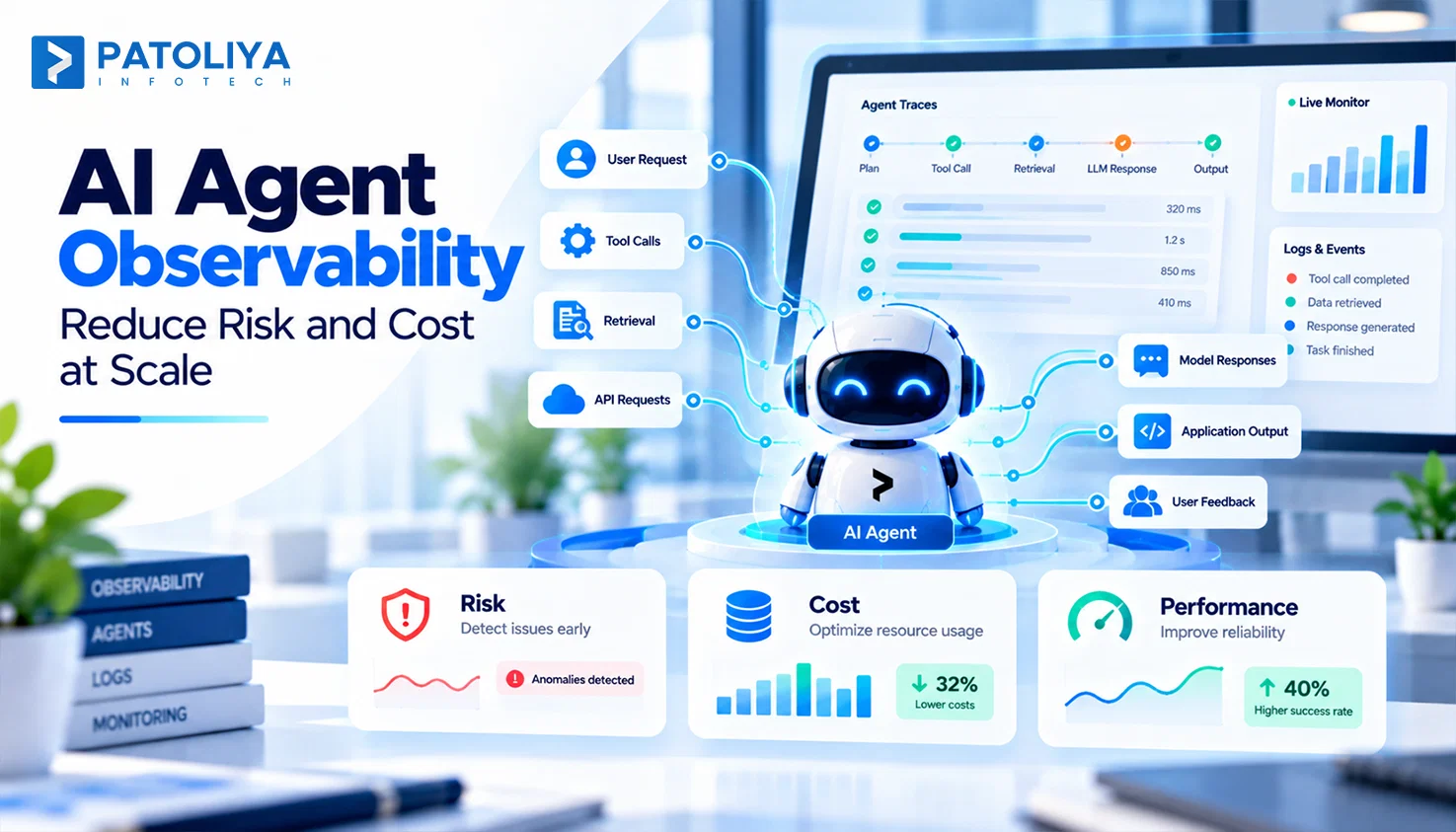
Every request needs one replayable trace of prompts, retrieval, tool calls, latency, tokens, and errors. Treat it as LLMOps for production AI. Without traces, AI copilot development turns into guesswork within a week, and debugging AI copilot development issues takes days. Architecture gives the copilot structure. Context gives it judgment.
Context Is the Real Product Layer Behind an AI Copilot
Context decides copilot quality more than model choice does. The copilot combines user, screen, business, knowledge, and conversation context to understand the current task, apply permissions, retrieve relevant information, and maintain continuity across interactions.
Example: A user on an invoice screen asks "why is this late?" Screen and business context identify the invoice and its payment history, so the copilot answers in one turn.
Load context in a fixed order: identity, permissions, current state, relevant data, knowledge, then conversation. Permissions lead because they filter everything below. This ordering is the most reusable lesson in AI copilot development, and it settles half the debates about how to build an AI copilot.
Each added source raises latency, token spend, retrieval noise, and privacy exposure. Here's what actually works: if removing a source leaves test answers unchanged, delete it. Mature AI copilot development teams treat context as a budget line, and lean context keeps AI copilot development costs predictable. Users never see this hierarchy. They feel it through the interface.
UX Patterns That Make an AI Copilot Feel Native
 Sidebar for Exploration: Good UX for AI matches each surface to one moment in the workflow. A sidebar suits multi-step conversations.
Inline AI for the Current Object: Inline help acts on the record in front of the user. On an invoice, it explains a charge, rewrites the payment note, or extracts line items.
Contextual Actions for High-Intent Tasks: An "Analyze account" button on every customer page removes prompt writing and gives consistent, testable output.
Command Palette for Experienced Users: Power users trigger repeatable actions by shortcut.
Preview Before Execute: For consequential actions, the copilot generates the change, shows a preview, and executes only after approval. This step builds trust faster than any accuracy gain in AI copilot development.
Streaming Is a UX Decision First: Design streaming responses around a fast first token, visible tool states such as "Checking 12 invoices…", a stop button, and clear failure messages. Users judge your AI copilot development in the first three seconds.
From RAG to Real Product Actions: Connecting the Copilot to Your SaaS
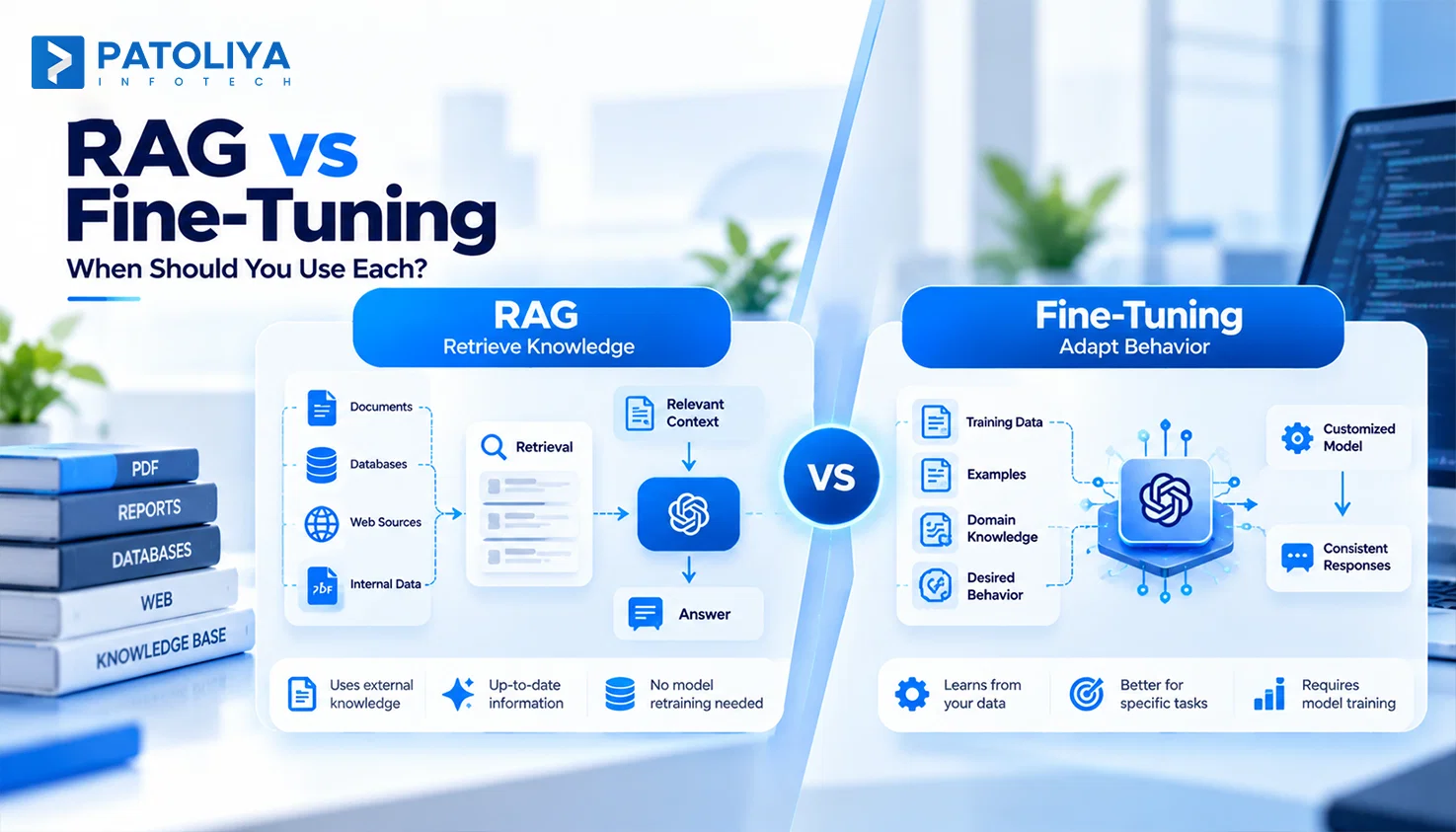
An AI copilot retrieves information through RAG and interacts with applications using tools. Apply RAG for AI copilots when answers depend on documentation, policies, knowledge bases, or historical records.
Tools let the copilot search records, pull live data, create or update records, and trigger workflows. Study AI agent tool calling before exposing any write action. Give each tool a typed schema and a permission rule.
RAG defines what the copilot knows, while tools define what it can do, such as answering refund policies or issuing a refund for order 4471.
Mixing these layers is the most common flaw we see in early AI copilot development projects.
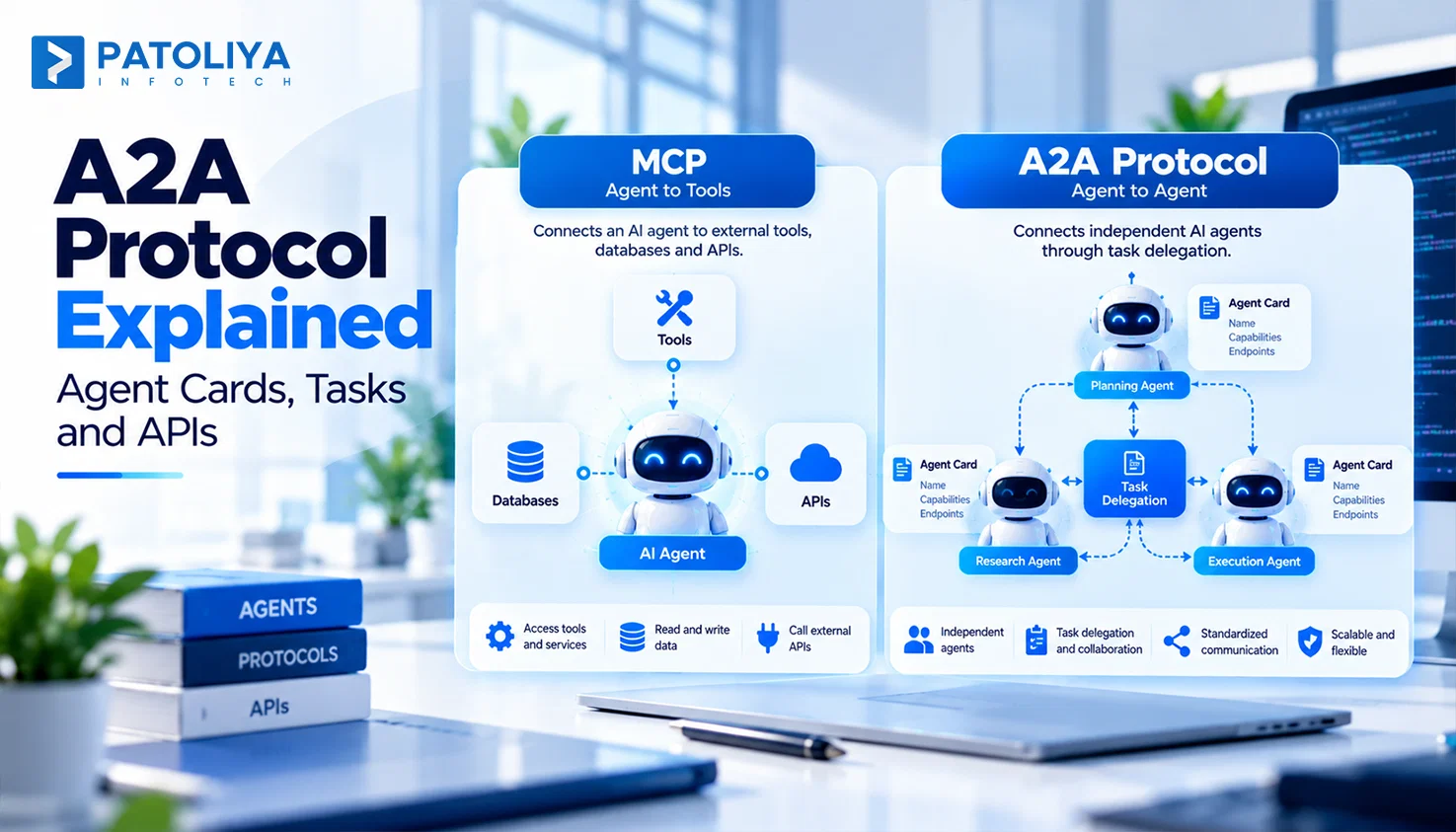
One focused tool replaces six raw API calls. If other agents need the same tools, the Model Context Protocol (MCP) gives you one standard interface. Tool design shapes AI copilot development quality more than prompt tuning, and focused tools shrink AI copilot development budgets. Every guide on how to build an AI copilot should start here.
Permissions Become Part of the AI Architecture
A copilot carries exactly the access of the user who calls it. If a user cannot open a record, the copilot cannot touch it. Enforce this on the server, since prompt instructions fail against crafted messages.
|
Checkpoint |
Question |
Failure it prevents |
|
Before retrieval |
Can this user access this data? |
HR notes in a sales summary. |
|
Before tool execution |
Can this user perform this action? |
A viewer runs a bulk delete. |
|
Before response |
Can this result be shown? |
Salary data in an answer. |
Scope retrieval to the caller's tenant, tag every chunk with tenant metadata, and run leakage tests before each release. The OWASP Top 10 for LLM Applications ranks sensitive information disclosure and excessive agency among core risks.
Read vs Write Permissions
Set controls according to the action’s risk: read actions need role checks and logs, recommendations need sources, modifications require approval, and irreversible actions need confirmation and full audit records.
Enterprise buyers judge AI copilot development partners on this table. Plan it in the first sprint of AI copilot development, because security review is the stage of how to build an AI copilot can stall launches. Clear controls keep AI copilot development deals moving. Secure design also shapes the next question every CFO asks: what will this cost?
The Production Economics of an AI Copilot
AI copilot development cost typically splits into two parts: a one-time build cost and an ongoing runtime cost that grows with usage. Build costs cover UX, orchestration, integrations, the RAG pipeline, tool layer, permissions, and evaluation. Runtime costs include LLM tokens and embeddings, vector and database operations, infrastructure, and observability.
What Drives Cost Per User?
Monthly cost per user depends on how often the copilot is used, how much context each request processes, and the cost of retrieval, tool execution, and infrastructure. A simple estimate is: cost per user per month = requests × average tokens × model price + retrieval + tool execution + infrastructure.
For example, assuming a model price of $3 per million tokens and $0.30 in additional overhead, 60 monthly requests with 4,000 average tokens would cost about $1.02 per user, while 12,000-token conversations would cost about $2.46. Longer context can therefore more than double the monthly model cost even with the same number of requests.
Three Ways to Control Runtime Cost
- Route models by task. Small models classify, large models reason.
- Cache stable context such as policies.
- Cap context and tool calls per request.
Apply cloud FinOps discipline to token spend. Founders studying how to build an AI copilot profitably should model runtime before launch.
|
Pricing model |
Fits when |
|
Included AI |
AI drives retention and usage stays predictable |
|
Usage credits |
Usage varies widely across customers |
|
Metered AI |
Customers already pay per unit |
|
Premium AI tier |
The copilot unlocks a clearly new capability |
Usage based pricing fits when runtime cost tracks customer value. Price against your AI copilot development cost curve, then revisit once real AI copilot development usage arrives. Skipping this review quietly erodes AI copilot development margin. Pricing is a product decision. It belongs on the executive agenda.
Where Should AI Sit Inside the Product Strategy?
Fund a copilot when it owns a meaningful customer workflow and creates measurable value. Evaluate both sides of the investment: whether it reduces workflow friction, increases product usage, unlocks existing data, or creates a monetizable capability, and whether it adds infrastructure costs or increases compliance exposure.
This positions the copilot as a business capability with measurable outcomes instead of treating it as just another AI feature. The NIST AI Risk Management Framework gives your risk team a shared review structure.
Models change often. Your workflows, permissions, and data stay, and they hold your embedded AI advantage. A robust AI product architecture safeguards these assets even when the underlying model changes.
The Executive Architecture Question
Which customer workflow should AI own, and where should human control remain? That question turns AI copilot development into a strategy decision and ties AI copilot development spend to revenue. The strategy is set. Now the build needs a sequence.
Build an AI Copilot in 7 Production Stages
- Map the Workflow
Name the task, user role, and outcome in one sentence.
- Define Context
List the minimum data needed and mark what must be live and what can be cached.
- Design the UX
Pick one surface and draw its loading, preview, and failure states.
- Define Tools
Turn business actions into typed, permissioned functions. Ship read tools first.
- Add Retrieval and LLM Integration
Connect RAG and model providers. Decide where AI workflow automation handles fixed steps and where the copilot handles judgment. Our guide to custom AI software development covers integration planning.
- Add Permissions and Evaluation
Test authorization, quality, and latency on a golden set of 100 to 200 real requests.
- Release Behind a Controlled Rollout
Example: launch "summarize this sprint" to 50 internal users, then 10% of paying accounts.
This sequence is the practical answer to how to build an AI copilot. It keeps AI copilot development risk visible at every gate, and it gives AI copilot development leaders a clear go or stop signal. A release only matters if you can measure what it changed.
Measure the Copilot Like a Product Feature
Adoption Metrics: A copilot earns its place through completed work, and usage counts alone mislead. Track activation, repeat usage, and workflow coverage from the first week of AI copilot development rollout.
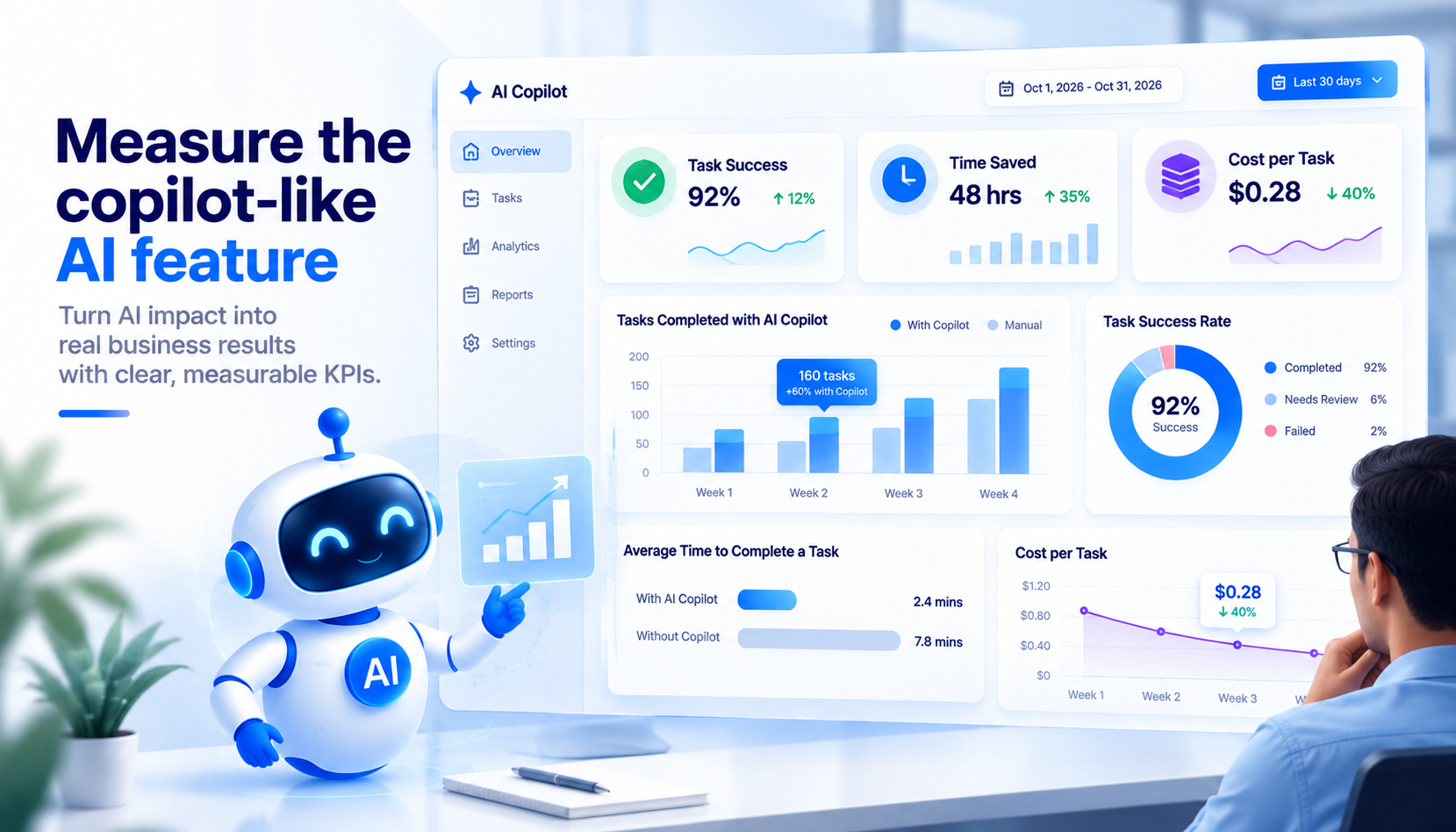
Quality Metrics: Track grounded response rate for source-backed answers, tool success rate for reliable actions, correction rate for output quality, and escalation rate for human handoffs.
Build a feedback loop that captures ratings and silent edits. A user who rewrites half of every draft tells you more than any thumbs down.
Business Metrics: Measure task completion time, support deflection, conversion, and retention against a baseline set with finance.
Economic Metrics: Cost per completed task combines quality, adoption, and expenditure into a single metric. Report it weekly so AI copilot development stays accountable, and so leaders learning how to build an AI copilot see real returns.
Measurement tells you what works. The checklist confirms you shipped it right.
|
Area |
Check |
|
Workflow |
Clear user outcome. |
|
Context |
Relevant, minimal context. |
|
RAG |
Retrieval tested. |
|
Tools |
Business level functions. |
|
Permissions |
Server side enforcement. |
|
UX |
Streaming and failure states. |
|
Safety |
Approval for consequential actions. |
|
Evaluation |
Golden test set. |
|
Observability |
Full execution traces. |
|
Cost |
Token and tool budgets. |
|
Feedback |
Explicit and behavioral signals. |
|
Rollout |
Controlled release. |
Build Your SaaS Copilot With Patoliya Infotech
Patoliya Infotech builds every SaaS copilot around one owned workflow, inherited permissions, and a measurable cost per task. Our AI copilot development team designs context and tools first, so your model choice stays flexible.
Workflow scoring: we rank workflows and set human control boundaries.
Secure retrieval: permission aware search with full tenant isolation.
Production readiness: evaluation sets, tracing, and token budgets from day one.
We also design AI chatbot UX that fits existing product workflows, user roles, and business processes without adding another disconnected interface.
Conclusion
A copilot earns its place when it owns a clear workflow, respects every permission, and delivers measurable value at a known cost per task. The model matters, but the product layer determines how reliably AI performs in real business environments. Effective AI copilot development starts with context, tools, permissions, evaluation, and human controls.
Teams that engineer these foundations early can scale AI without losing visibility or control. Start with one workflow, define its boundaries, measure outcomes, and build toward broader adoption with confidence.
FAQs:
AI copilot development covers workflow selection, UX, context, retrieval, tools, permissions, evaluation, observability, and cost control. Most effort goes into connecting the copilot safely to product data and actions.
The first step in building an AI copilot is choosing one high-leverage workflow and its role: inform, recommend, or act. That choice defines the context, tools, permissions, and approval flow your team builds next.
A copilot needs RAG when answers depend on documentation, policies, or historical knowledge. Live records and actions come through tools. Most SaaS copilots use both in separate layers.
The copilot calls your application APIs through defined tools under the logged-in user's identity. Your backend checks permissions at every step, and the model never queries your database directly.
AI copilot development cost has a one-time build covering UX, orchestration, integrations, retrieval, tools, and evaluation, plus recurring runtime cost per user. Runtime depends on requests, tokens, model price, and tool calls.
Let the model propose actions only. Your application validates each request against user permissions and tenant scope, requires approval for consequential changes, and logs every call.