Cloud Restaurant POS System: What to Look For
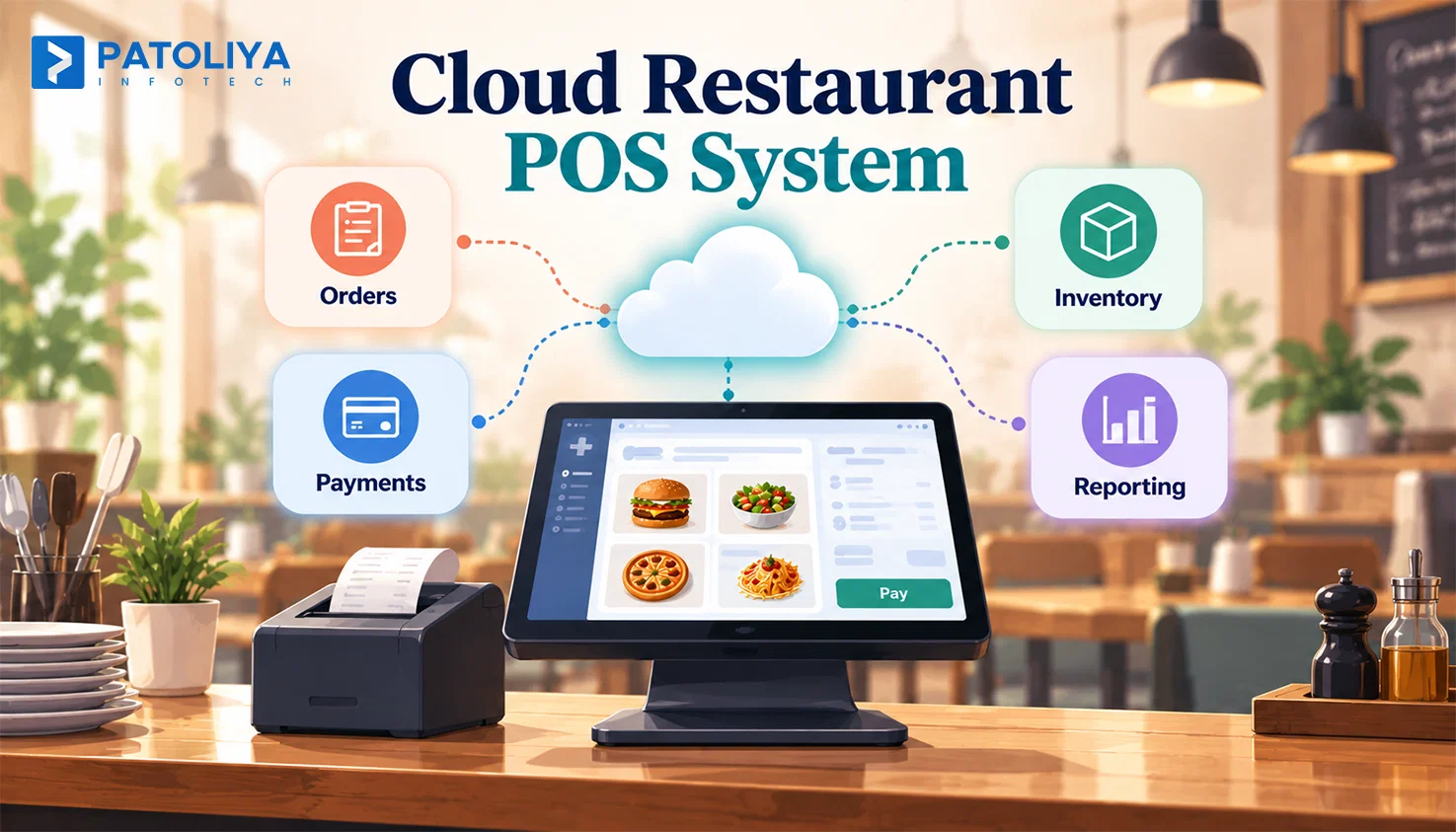
TL;DR: A cloud restaurant POS system changes how a restaurant runs, not just where the software sits. Owners planning a legacy POS system replacement often skip the uptime, migration, and contract questions that decide whether the switch pays off. This guide breaks down what actually matters before you sign anything.
Long-term experience with point-of-sale systems reveals one consistent reality: restaurants rarely fail because the software itself is bad. They fail because nobody asked what happens when it breaks.
A cloud restaurant POS system is not a hosting upgrade; it is an operational decision that touches every terminal, every kitchen ticket, and every dollar moving through your restaurant.
Rising support costs and fragmented reporting push owners toward restaurant POS migration to cloud infrastructure. This guide covers the operational and financial realities of a cloud restaurant POS system, including contract commitments.
What a Cloud Restaurant POS System Actually Changes
A cloud restaurant POS system changes where software runs, how it’s maintained, and how easily owners manage operations across locations; the NIST definition of cloud computing provides a useful technical baseline for understanding what qualifies as a cloud environment.
|
Cloud Restaurant POS System |
On-Premise POS |
|
Stores the application and data on remote servers rather than a box in the back office. |
Keeps the application and data on local servers or hardware within the restaurant. |
|
Updates roll out automatically from the vendor, reducing maintenance for your team. |
Your team manages updates, backups, maintenance, and system failures. |
|
Managers can access reports from a phone at any location. |
Reporting and system access typically depend on the local setup and network. |
Some vendors call hosted legacy software a cloud restaurant POS system simply because it runs over the internet.
The distinction matters: a cloud-native platform is designed for remote infrastructure from the ground up, while hosted legacy software is essentially an older codebase moved to a server.
Before comparing prices, ask vendors which architecture they actually provide and how it handles updates, security, scaling, and integrations. Architecture should be part of your buying decision.
Cloud vs On-Premise POS: The Comparison That Actually Matters
|
Decision area |
Cloud restaurant POS system |
On-premises POS |
|
Deployment and updates. |
Automatic, vendor-managed. |
Manual, staff-managed. |
|
Remote and multi-location access. |
Live from any device. |
Onsite only, unless VPN is built. |
|
Infrastructure responsibility. |
Vendor owns the servers. |
Owner owns and maintains hardware. |
|
Integration flexibility. |
API driven, faster to connect. |
Often limited or custom built. |
|
Continuity during an outage. |
Depends on offline architecture. |
Runs locally regardless of internet. |
Where On Premise Can Still Win
A single site restaurant with rock solid local infrastructure and no expansion plan does not always need a cloud restaurant POS system. Highly specialized workflows built around one legacy platform over a decade can cost more to rebuild than they save.
Unreliable internet in a rural location is a real constraint, not an excuse. Some owners adopt a cloud restaurant POS system simply because competitors have, only to discover the investment doesn't fit their operational needs.
The Uptime Test: What Happens When the Internet Goes Down
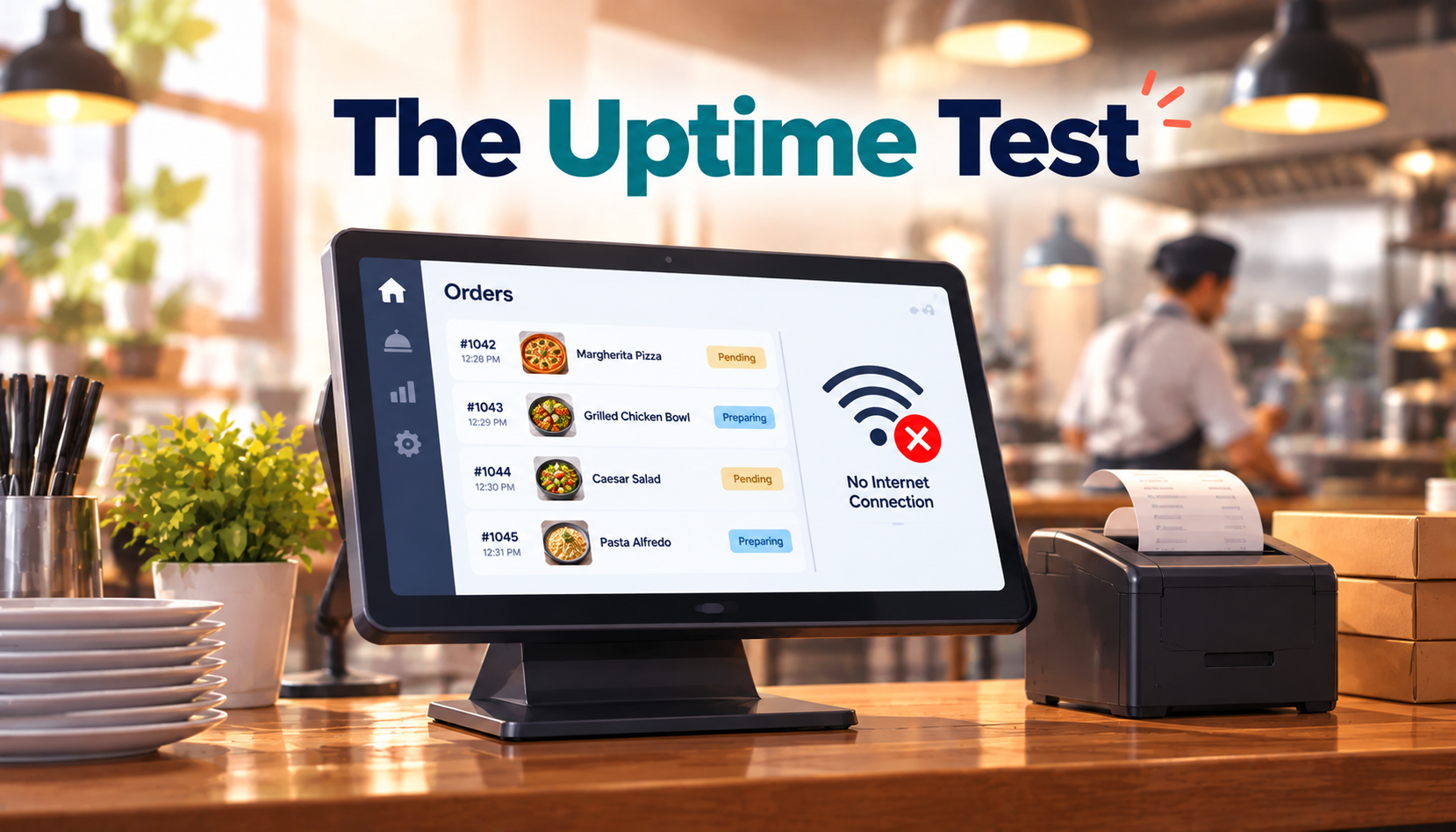
Vendors love quoting uptime percentages without translating them into hours your restaurant actually loses.
|
SLA promise |
Downtime allowed per year |
|
99.5 percent |
About 43 hours |
|
99.9 percent |
About 8.7 hours |
|
99.99 percent |
About 52 minutes |
A cloud restaurant POS system with a 99.5 percent SLA can still go dark for nearly two full service days a year. Ask whether the SLA covers the entire POS service or only the vendor's back-end infrastructure. Those are two very different promises dressed in the same number.
Offline Mode Is an Architecture Question
Some cloud restaurant POS systems store transactions locally on each device during an outage.
Others route every device through a local hub that keeps orders moving until the connection returns.
A true system explains this architecture without hesitation, and an unclear answer usually indicates that the vendor’s offline architecture or recovery process requires closer evaluation.
Test the Failure Scenario Before You Buy
Ask the vendor of any cloud restaurant POS system to run this exact sequence live: internet failure, order entry, kitchen routing, payment capture, reconnection, then data reconciliation. Watching this happen tells you more than any brochure.
A cloud restaurant POS system should keep essential operations running during an internet outage.
Ask vendors how orders, payments, kitchen tickets, and data syncing work offline. This failure test provides a more meaningful measure of operational reliability than a conventional feature comparison.
Where Restaurant POS Migration to Cloud Actually Fails
The Menu and Modifier Trap
Nested modifiers, time-based pricing, location-specific pricing, and tax rules rarely map cleanly from an old system.
A burger with four modifier groups and a seasonal price change can migrate as raw data while the actual pricing logic behind it disappears without triggering a single error.
Data can move successfully while the restaurant's real operating logic does not, and that single gap causes most order entry chaos in the first week after a restaurant POS migration to cloud platforms.
Historical Data Is Not Operational Data
Old configuration, discontinued menu items, and years of dead promotions do not need to travel with you.
Split records into what must move, what should sit in an archive, and what can retire quietly before the migration ever starts.
Unnecessary data and configuration can carry avoidable complexity into the new environment. Dragging five years of history into a fresh cloud restaurant POS system only adds noise your staff has to work around every single shift.
Clean data beats complete data. Not everything survives a migration cleanly, and that is fine as long as you decided what to leave behind on purpose.
Parallel Running and Reconciliation
Never cut over completely on day one; keep the legacy platform live until the new numbers earn trust.
Compare daily transaction totals, inventory counts, and payment batches between the old system and the new platform, since a clean restaurant POS migration to cloud infrastructure is proven with matching numbers, not assumed because the software installed without errors.
Freeze only once the numbers match. Lock data entry on the legacy system only after Cloud restaurant POS system totals match for several consecutive days in a row.
Payment Processor Continuity
Merchant accounts need a plan first. Terminal configuration and card-on-file tokens all need a plan before cutover day, alongside applicable PCI DSS requirements for protecting payment account data.
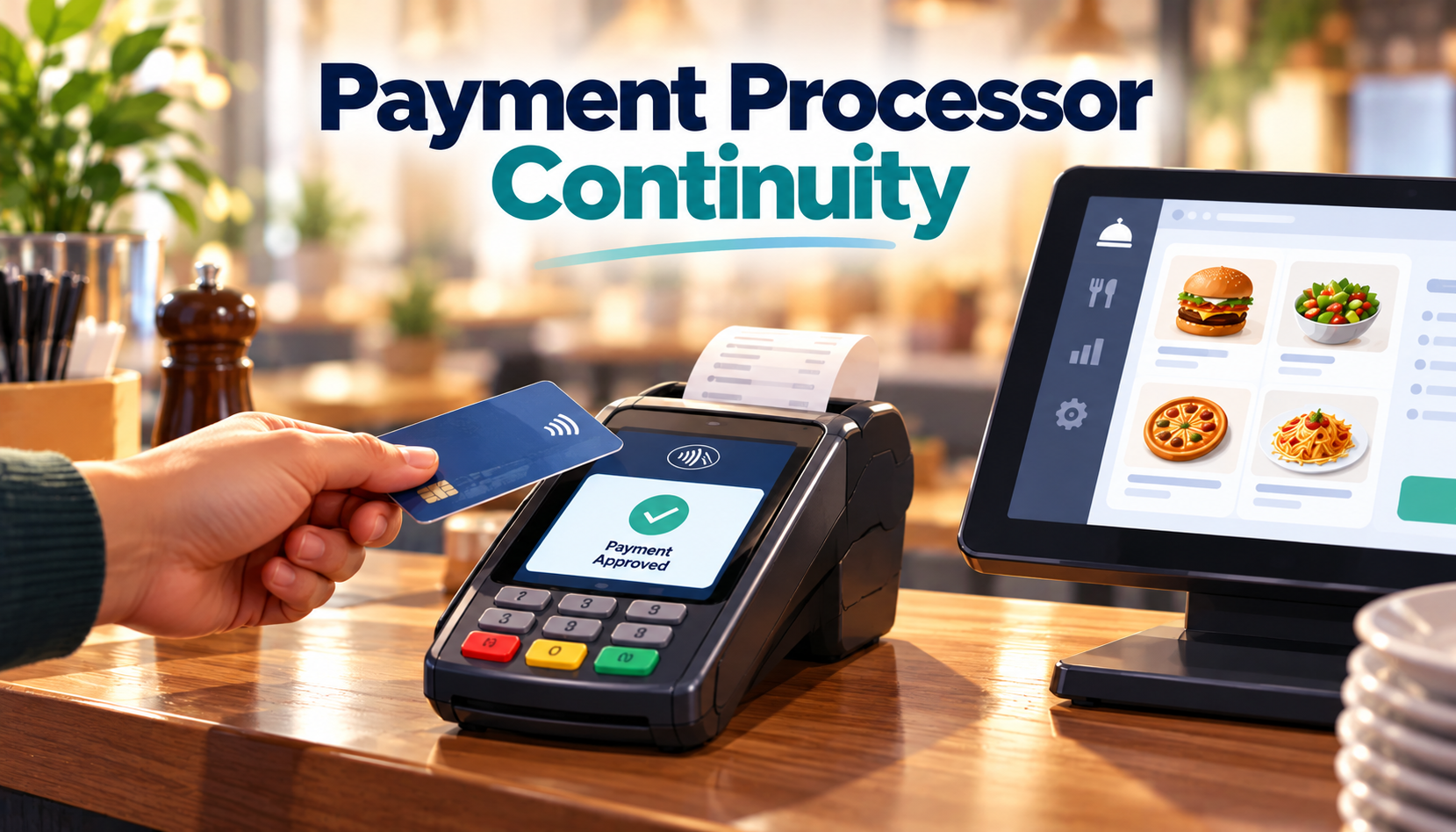
A gap during migration means declined cards during dinner service, and that becomes a guest complaint within minutes.
Check this with your processor before you schedule go-live, not the week of. Real POS data migration downtime almost always starts here, not with the platform itself.
Integration Architecture Matters More Than the Integration List
During a restaurant POS migration to cloud systems, integration mapping is the step most teams skip first. Every vendor lists integrations for delivery, accounting, and loyalty, but few explain the access model sitting behind them.
|
Question to ask |
Open API |
Closed Ecosystem |
|
Is it documented |
Yes, publicly. |
Rarely, on request only. |
|
Access type |
Read and write. |
Often read only. |
|
Usage limits |
Defined and published. |
Unclear or restrictive. |
|
Data ownership |
Stays with you. |
Often vendor controlled. |
|
Switching cost later |
Low |
High |
A cloud restaurant POS system with an open API lets you swap tools later without a full rebuild. A closed ecosystem quietly increases your switching cost every year you stay, and that table is the clearest signal of how a vendor will treat you after the contract is signed.
Systems That Must Stay in Sync
Payments, online ordering, delivery platforms, kitchen display systems, inventory, accounting, and loyalty all depend on accurate, live data flowing between them. A gap in any one of these can complicate restaurant POS migration to cloud and break a shift for your staff before anyone notices why.
What Breaks First as Locations Increase
Reporting fragments across sites first. Menu sync lags next, followed by inventory drift when purchasing decisions rely on numbers that are already a day old.
A cloud restaurant POS system built for scale keeps configuration centralized and skips the duplication that piles up at every location. Operators running five or more sites feel this gap long before a single location owner ever notices it.
The Three Year TCO: What the POS Actually Costs
The Real Formula
- This is exactly where a restaurant POS migration to a cloud platform adds up costs owners never priced in advance.
- Don’t judge a POS by the monthly subscription alone. Add up software, hardware, payment fees, support, integrations, implementation, and migration costs. Then subtract the expenses you’ll eliminate by replacing your current system. That gives you a more realistic three-year cost.
Why the Cheapest Subscription Can Cost the Most
- A small difference in processing rate on a cloud restaurant POS system compounds faster over three years than any discount on the monthly subscription fee.
- Per-terminal charges and hardware costs stack quietly across every location you operate. Compare full totals across three full years of ownership, never the first invoice.
|
Cost category |
Staying on legacy |
Moving to a cloud restaurant POS system |
|
Support and hardware |
Rising each renewal. |
Included or predictable. |
|
Reporting |
Manual, fragmented. |
Centralized, live. |
|
Integrations |
Native, API driven. |
|
|
Downtime risk |
Local hardware failure. |
Depends on chosen SLA. |
Staying still costs money; it simply hides the number inside labor hours and workaround fees nobody tracks on a spreadsheet.
Contract Terms That Can Become Your Biggest Switching Cost
Clauses to Get in Writing: Before you commit to a restaurant POS migration to the cloud, get every exit term below in writing.
Auto-renewal period, price increase rights, early termination fees, payment processing requirements, data export rights, data retention after termination, support commitments, and SLA exclusions all belong in writing before signature, not in a follow-up email.
Hardware Ownership and Vendor Lock-In: Ask who owns the terminals, whether third-party hardware works on the cloud restaurant POS system, what happens to leased equipment at contract end, and whether payment devices travel with you if you switch providers later.
Define Your Exit Before You Enter: If you cannot describe how you would leave a platform, you do not know its real cost yet. A confident vendor answers exit questions without flinching.
Unclear exit terms can become a significant switching cost later, particularly when contracts, hardware, and data access are tightly coupled.
The Cloud POS Readiness Test: Should You Migrate Now
Four Questions That Eliminate Half Your Shortlist
- Can it meet your required uptime and offline needs?
- Can you export your data without vendor dependency?
- Can your payment and integration setup stay flexible?
- Does the three year TCO actually improve your economics?
A shortlist survives a restaurant POS migration to cloud only when it also survives day two after go-live. A shortlist that clears all four questions is worth a demo; one that fails even one deserves a harder look.
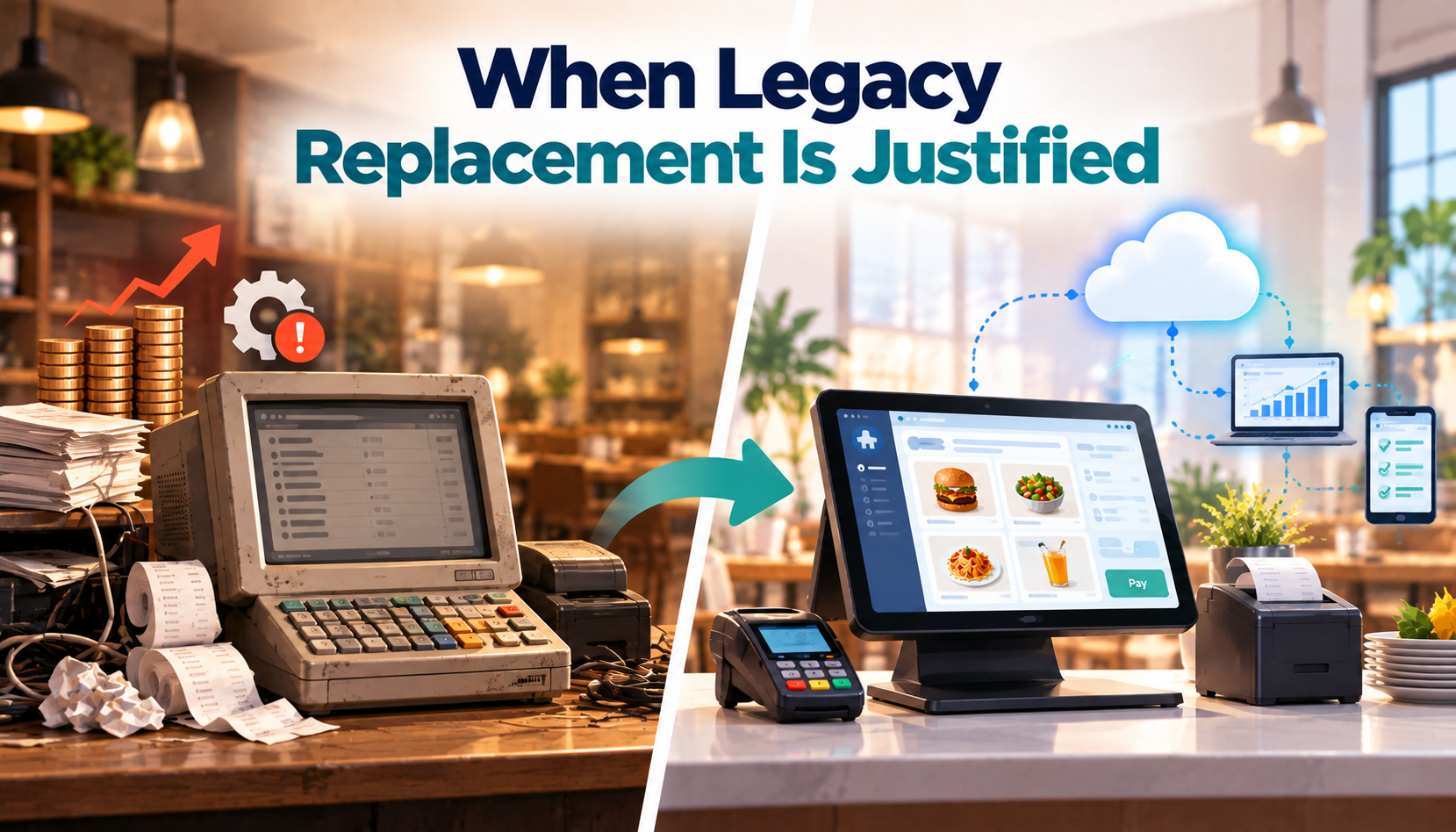
When Legacy Replacement Is Justified
Rising support and hardware costs, fragmented reporting, integration workarounds, locations without centralized control, and new sales channels needing separate systems are strong signals a cloud restaurant POS system will pay for itself faster than most owners expect.
When Waiting Is the Smarter Call
A stable system, hardware with useful life left, integrations that work reliably, and no expansion planned all point toward waiting. Migration risk sometimes outweighs the benefit, and admitting that saves owners real money.
The Strategic POS Buying Decision
You’re Choosing an Operating Layer
- A cloud restaurant POS system can become the system of record for orders, payments, menus, inventory, customer data, and reporting across your locations.
- That makes the decision part of your operational architecture, not just a feature comparison.
Build a Simple Executive Scorecard
- Score each shortlisted platform from 1–5 on operational continuity, migration risk, three-year TCO, data ownership, integration openness, scalability, and vendor lock-in.
- Total the scores before the final vendor discussion to make trade-offs clear.
Choose for Long-Term Value
- The right platform is rarely the cheapest or the most feature-heavy option.
- Choose the Cloud restaurant POS system that supports your current operations, scales with growth, and avoids creating unnecessary dependency three years down the line.
The Engineering Behind a Reliable Restaurant POS
Restaurant technology is only valuable when it performs under real operating pressure. Patoliya Infotech approaches POS engineering as an operational architecture challenge, not simply a software build.
Operational-first architecture: We design around ordering, payments, inventory, reporting, and multi-location workflows.
Integration-ready systems: APIs and modular architecture make third-party integrations easier to maintain.
Scalable foundations: Infrastructure is designed to support additional locations, users, transactions, and operational complexity.
Migration discipline: Data migration and rollout planning reduce disruption during system transitions.
Built for continuity: Reliability, security, monitoring, and recovery are considered from the architecture stage.
The result is restaurant POS software engineered for operational consistency, measurable performance, and long-term adaptability.
Conclusion
Choosing a restaurant POS is ultimately a decision about how your business will operate every day. The right cloud restaurant POS system should simplify control across locations, keep critical workflows moving, connect cleanly with the rest of your technology stack, and provide data you can actually act on.
Price and feature count matter, but they should come after reliability, scalability, integration, and total cost of ownership. A cloud POS for restaurants should strengthen the operating model rather than create another dependency to manage. Evaluate the architecture, test the real workflows, and choose the platform that can support where your restaurant is going next.
FAQs:
Yes. A properly designed platform can separate corporate and location-level controls while maintaining centralized menus, pricing, reporting, permissions, and operational standards across franchise locations.
Data portability depends on the vendor and contract. Before migrating to a Cloud restaurant POS system, confirm export formats, ownership rights, historical data access, retention policies, and API availability to avoid costly lock-in.
Yes. Flexible restaurant POS software can support concept-specific menus, pricing, workflows, permissions, and reporting while maintaining centralized administration across multiple restaurant brands.
Evaluate transaction capacity, infrastructure architecture, database performance, integration limits, location expansion, user growth, and vendor support rather than relying solely on stated location limits.
Restaurants should establish clear contractual rights to access and export operational data from a Cloud restaurant POS system. Data ownership, portability, retention, and exit procedures should be confirmed before signing.
Test complete operational scenarios during restaurant POS migration to cloud, including peak ordering, payment failures, connectivity interruptions, kitchen routing, refunds, inventory updates, integrations, reporting, user permissions, and multi-location synchronization before rollout.