AI Integration Services for Enterprise AI Strategy
 By Hitesh SUpdated on: 10/28/2610 min read
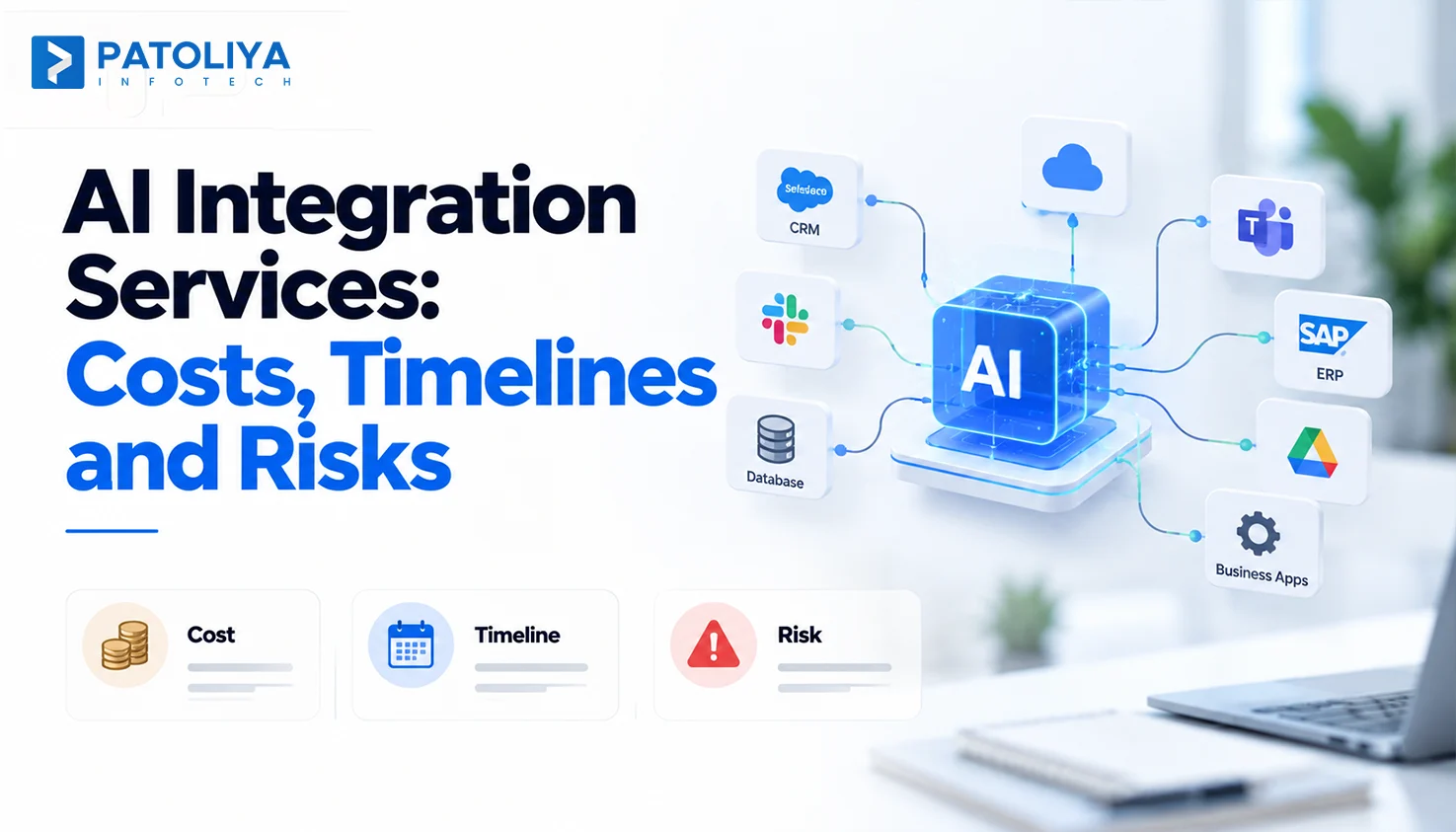
TLDR: You don’t need to rebuild your software to add AI. You can integrate AI into existing software safely if you control what the model reads, decides, and writes, and how it recovers when something breaks. Good AI integration services keep business rules in your code, where they already live.
Replacing a working ERP just to introduce AI rarely makes business sense. AI integration connects models to existing apps, data, and workflows while keeping core systems and business rules intact. Extending is usually better when systems remain reliable, and data is accessible through APIs, databases, or exports.
Rebuilding may be necessary when legacy platforms are unsupported or inaccessible. Effective AI integration services begin with an assessment, defining boundaries, transaction safeguards, and suitable use cases before selecting a model.
This guide covers four integration patterns, security controls, realistic timelines, common rollout mistakes, and the steps from assessment to production deployment.
Which AI Integration Architecture Pattern Fits Your Existing Software?
API Integration for Systems with Accessible Interfaces: If your system already has decent APIs, start there. You wrap existing functions like “get order history” or “create credit note” as tools the model can call over REST. The model never touches the database.
We push most clients toward API integration first because your validation, logging, and permissions stay in the path for free. It’s the lowest risk way to integrate AI into existing software, and it’s where most AI integration services should begin.

Middleware and iPaaS for Connecting Enterprise Applications: Things get messier when one answer needs three systems. A sales rep asks, “Can we extend credit to this account?” The answer sits across the CRM, the ERP, and the collections tool.
A central layer, either custom middleware or an iPaaS platform, pulls from each system, maps the fields, and hands the model one clean payload. This is core application integration and AI workflow automation territory. The real benefit is boring: when logic breaks, you fix it in one place. AI integration services that scatter connectors across five apps leave you with five places to debug.
Event-Driven Architecture for Asynchronous AI Workflows: Some AI work has no business making a user wait. Think of 3,000 supplier invoices landing overnight.
With event-driven architecture, each invoice fires an event onto a queue. An AI worker picks it up, does the work, and posts the result as a new event. Your core app stays fast, even at month end. Teams that integrate AI into existing software for document processing almost always end up here. AI integration services that try to do this work synchronously hit timeouts fast.
Embedded AI and Copilots for Existing Products: Users adopt AI faster when it sits inside the screen they already use. AI copilots and embedded AI features summarize a record, draft a reply, or answer “what changed on this account?” Product teams buying AI integration services usually start with AI copilot integration.
The catch is knowledge. A copilot needs data pipelines that sync your documents into a search index with the same permissions as the source app. Skip that, and a support agent can suddenly read HR files. Careful AI integration services treat permission sync as part of the build.
Good AI integration services match the pattern to what your system can support today. Our breakdown of software architecture patterns goes deeper.
|
Pattern |
Works best for |
Depends on |
Watch out for |
|
API wrapper |
Systems with stable REST endpoints. |
Documented, secure APIs. |
Only does what the API allows. |
|
Integration layer |
Flows across ERP, CRM, and more. |
Clear ownership and field mapping. |
Another platform to run and pay for. |
|
Event-driven workflow |
High-volume background jobs. |
Queues and idempotent workers. |
Results arrive later. |
|
Embedded copilot |
Help inside your product. |
Permission-aware search. |
Weak grounding erodes trust fast. |
Picking a pattern is the easy part. Protecting the transaction is where AI integration services earn their fee.
The AI Integration Boundary: Protect Business Rules, Data and Transactions
The Read Boundary: Control Data Access and Permissions
Give the model the least it needs. The AI service should log in as its own identity, and every request should carry the end user’s permissions. A junior rep’s copilot has no reason to see the CFO’s margin report.
Good AI integration services also trim the payload, so an order review sees order lines and never bank details. For older databases, use a read only view or replica. Your AI integration services partner should also test for prompt injection, listed first on the OWASP Top 10 for LLM Applications.
The Reasoning Boundary: Separate AI Outputs from Business Rules
A model can answer the same question two ways. Your discount policy can’t. So keep pricing, approval limits, tax logic, and compliance checks in tested code.
AI drafts, summarizes, and ranks. Your application owns the numbers. When teams integrate AI into existing software, the most common shortcut we see is a line in the prompt like “never discount above 15%.” Nobody can test that or audit it. AI integration services that allow it are storing policy in the wrong place.
The right boundary: Validate Every AI-Generated Action
Every AI suggestion must pass four checks before affecting your system of record: the output must match the API’s expected schema, the user must have permission to act, the value must fall within approved limits, and every write must go through the existing API rather than directly into a database table.

When you integrate AI into existing software, refunds, credit changes, and contract terms need a human in the loop. Strong AI integration services make that approval a single click, so nobody waits.
The Recovery Boundary: Handle Failures and Duplicate Requests
Plan for the bad day. Model calls time out. A retry fires twice, and suddenly there are two purchase orders.
The fixes are boring: timeouts on every call, capped retries with backoff, an idempotency key on every write, a full audit log, and compensating actions that undo partial updates. Most importantly, the old manual path stays live.
If the AI goes down on a Friday afternoon, your team should barely notice. Good AI integration services test that fallback before launch, never after. For instance, Integrating AI into an ERP Order Workflow
Take a distributor whose buyer spends every Monday morning checking stock against sales. Here is how ERP AI gives that morning back, built on standard ERP integration.
The AI reads 90 days of sales through a read only view and suggests 400 units of SKU 1182. Nothing in the ERP has changed yet.
The rules engine checks it. The buyer’s limit is 250 units, so the order lands in the purchasing manager’s queue with the AI’s reasoning attached.
The manager approves it in one click. Only then does the ERP API write the purchase order, with an idempotency key blocking duplicates. The ERP keeps every decision it owned before. That is what disciplined AI integration services look like.
|
Boundary |
Where it sits |
Who stays in control |
|
Read |
Read only view of sales and stock. |
ERP permissions. |
|
Reason |
Rules engine checks limits. |
Your business rules. |
|
Write |
Approval queue, then ERP API. |
Purchasing manager. |
|
Recovery |
Timeouts, retries, audit log. |
Ops team. |
Boundaries keep the transaction safe. Timelines and readiness decide whether AI integration services ever reach production.
AI Integration Timelines, Common Pitfalls and Production Readiness
Model choice barely moves the timeline. Five things do: how good your APIs are, how clean your data is, how many systems are involved, how strict your security approvals are, and whether the AI only reads or also writes.
|
What you have |
Rough timeline |
|
Read only assistant on clean APIs. |
6 to 10 weeks |
|
Copilot across two or three systems. |
3 to 4 months |
|
Legacy system integration with write back and approvals. |
4 to 6 months |
Treat these as illustrations, since scope changes everything. Data cleanup is the line item buyers underestimate most. If the platform needs legacy system modernization first, add that time on top.
Credible AI integration services quote dates after a discovery sprint, and they break the estimate down by read, reason, write, and recovery. A single date with no breakdown usually hides the write back risk.
Common AI Integration Pitfalls to Avoid

Most stalled projects we see trace back to one of four mistakes. Experienced AI integration services design against all four from day one.
Calling a demo production ready. It worked on 50 clean records. Then it met 50,000 real ones. Rerun every pilot on live data.
Copying business rules into prompts. The prompt says 10% max discount. The ERP says 12%. Now you have two policies and no idea which one ran.
Ignoring stale data, permissions, and failures. One copilot quoting last month’s stock can undo months of trust.
Wiring systems together with no owner. It breaks at midnight and nobody’s phone rings. Your AI integration services contract should name an owner for every flow.
If you integrate AI into existing software and stall, it’s usually mistake two. Good AI integration services catch it in design review.
Production Readiness Checklist for Existing Software
We run this list before any AI integration services engagement goes live. Before rollout, you should be able to say yes to each item:
- The business owner signed off on accuracy targets, error limits, and acceptable response time.
- The security review assessed data flows, secret management, and prompt-injection risks in line with the NIST AI Risk Management Framework.
- Logs capture every input, output, and decision.
- Someone switched the AI off in staging, and the workflow kept running.
- Escalations go to named people with a backup.
- Dashboards track drift, cost, and failure rate.
- One person owns each flow after launch.
Then prove the whole workflow. Run 200 real transactions through staging, compare them with how your team handled the same cases, and release to 10 percent of users first.
AI integration services that skip this list ship demos into production. It’s the minimum bar before you integrate AI into existing software that customers or finance depend on.
Patoliya’s Approach to AI Integration and Deployment
We start by looking at what you already have: your architecture, your APIs, how clean the data is, and who owns which rules. That short discovery sprint decides the pattern. Then we build the four boundaries around it and test with real transactions before anyone outside the pilot sees it.
Our AI integration services leave your business rules, security controls, and system ownership exactly where they were. For CRM AI, we build on proven CRM integration practice so customer data keeps its existing permissions. Ask our AI integration services team for a boundary map of one workflow before you commit to anything.
Conclusion
AI earns its place in legacy software when the pattern fits, access stays narrow, every action passes a check, and failures recover quietly. Miss one of those and your core operations pay for it.
The safest way to integrate AI into existing software is one workflow at a time, with an owner and a number to beat. That’s how AI integration services should earn trust, and it’s how you should judge any AI integration services partner.
Pick one application your team can’t live without. Let’s sit down and map where AI fits, what it touches, and how fast it can go live.
FAQs:
Read-only AI assistants typically take 6 to 10 weeks, while integrations involving ERP or CRM updates and approvals may require 4 to 6 months, depending on complexity and security reviews.
No. AI can connect through APIs, read-only database views, or integration layers. Replacement is necessary mainly when unsupported systems prevent reliable data access.
AI integration services should cover architecture assessment, data access, security testing, validated updates, failure recovery, monitoring, and clear ownership after deployment.
Yes. AI can propose changes that applications validate for schema, permissions, and approved limits before existing ERP APIs execute updates, with human approval for sensitive actions.
Keep pricing, discount limits, approvals, and compliance checks in tested application code. A rules engine validates AI outputs and rejects actions that violate business requirements.